Motion designer
You need movement from a still composition, not an object you can rotate freely.
The upsampler image to video guide distinguishes an animated view from reusable 3D geometry.
The phrase upsampler image to 3d can describe two very different results: a sharper picture that looks three-dimensional, or a model with actual geometry. Start with a clear source image, then check what the output really contains.
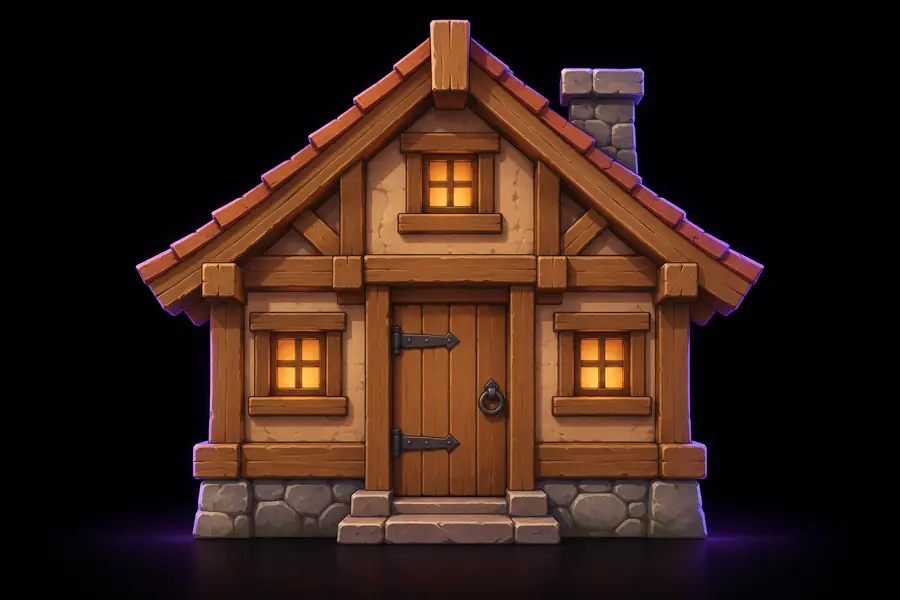
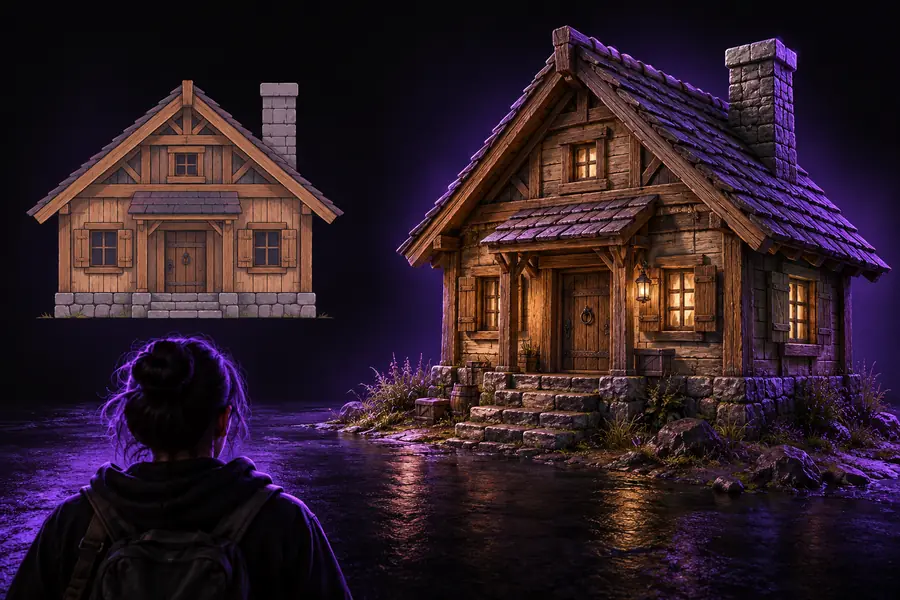
Drag across these two views of a wooden-house asset. A more detailed picture can improve the reference, but the slider cannot show whether a mesh exists behind it.
Earlier image
Both sides of this comparison are images. Neither a draggable reveal nor a convincing 3D appearance establishes that the result has editable surfaces, depth, or a usable back.
Detailed image
A single photograph records one viewpoint. Any image-to-3D interpretation must estimate information that the camera never captured.
| Single source image | Proposed 3D model | |
|---|---|---|
| Depth | Apparent depth comes from shading and perspective. | Surface positions need defined depth; hidden measurements remain estimates. |
| Rear surfaces | The back is not visible. | The back must be inferred or supplied from another view. |
| Silhouette | Only the photographed outline is known. | The outline must hold up when viewed from other angles. |
| Texture | Colour and lighting are combined in pixels. | Surface colour may need separating from baked-in shadows. |
| Scale | Pixel dimensions do not establish physical size. | Dimensions need a reference if scale matters. |
| Editability | Individual surfaces cannot be selected as geometry. | A useful mesh should permit the edits the project requires. |
Choose the next task by the output you need, not by how dimensional the preview looks. These adjacent workflows solve different problems from building a mesh.
You need movement from a still composition, not an object you can rotate freely.
The upsampler image to video guide distinguishes an animated view from reusable 3D geometry.
The source needs a cleaner silhouette before anyone interprets its depth.
The upsampler image editor guide focuses on revising the reference image itself.
A small, soft photograph makes important edges difficult to inspect.
The upsampler image enhancer guide addresses visual clarity without treating sharper pixels as a mesh.
You need additional reference views before estimating unseen surfaces.
The upsampler ai image generator guide covers creating image concepts rather than verified model topology.
After exploring a conversion, try rotating the result to inspect the back, underside, and thin parts. Check whether you received actual geometry rather than a rendered picture, whether surfaces can be edited, and whether the available output suits your intended software. For work where dimensions matter, compare the model against a measured reference instead of trusting the source image's perspective.
No. Shading, perspective, and sharper detail can make a flat image look dimensional. A model has geometry you can inspect from viewpoints other than the original image.
A single front view does not record the back. Any rear surfaces derived from it are estimates, so supply additional views or references when accuracy matters.
Confirm that the result contains the type of geometry your project needs, then inspect hidden surfaces and fine details. Check dimensions against a known reference and verify that the available output works with your intended workflow.
Enhancement may make visible edges easier to interpret, but it cannot reveal surfaces that were never photographed. Treat an improved image as a better reference, not proof that an image-to-3D conversion will be structurally accurate.