Option 1
You need a larger version of an existing picture
Choose upsampling.
It aims to preserve the source composition while increasing dimensions and estimating detail. It cannot verify features that the source never captured.
Plain-language guide
If you searched what is upsampler ai image, the key distinction is between improving an existing picture and generating a new one. Upsampler is the name of this guide; the word upsampling describes the process of increasing an image’s pixel dimensions.
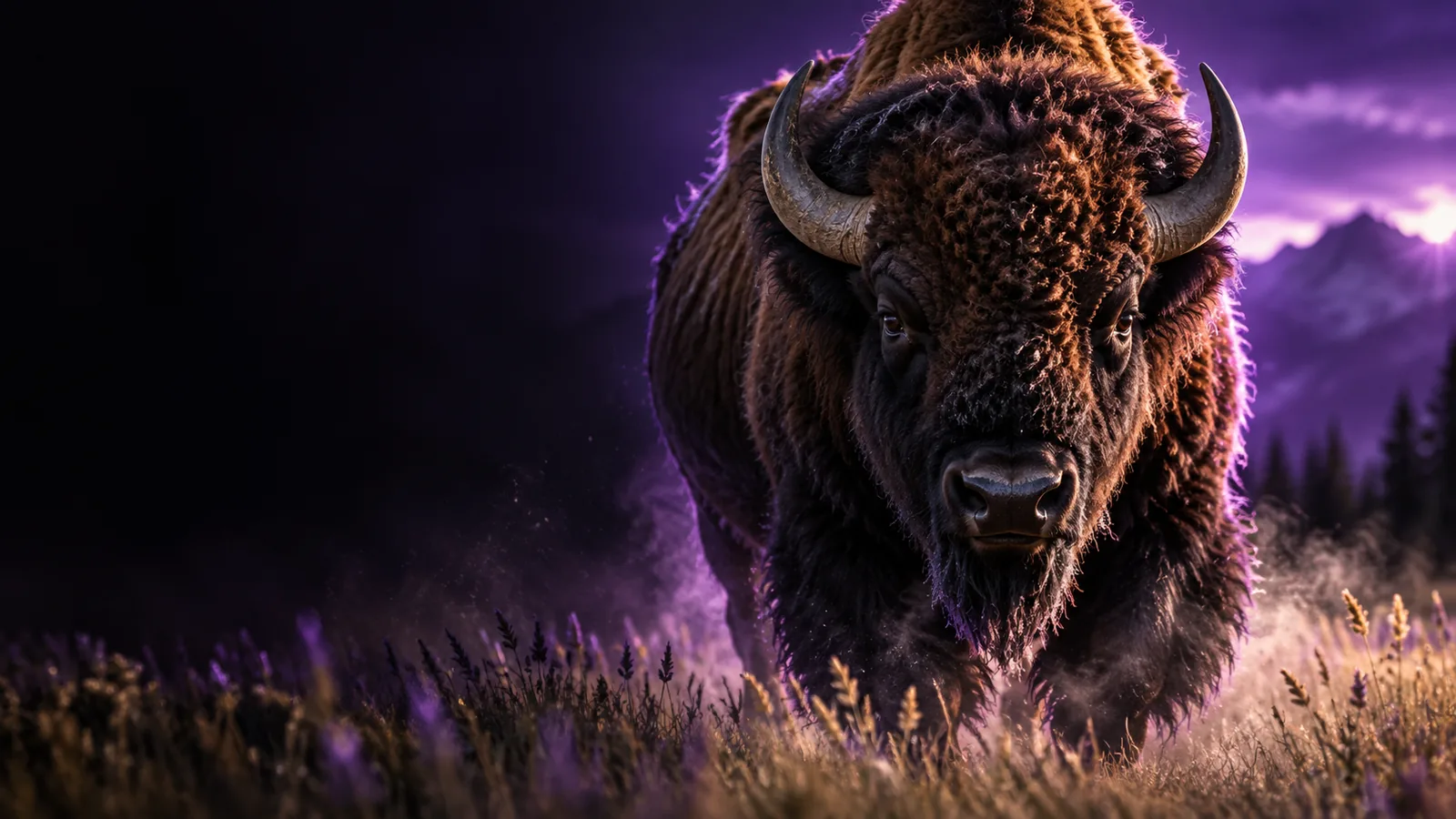
An AI image upsampler enlarges a picture and estimates detail for the added pixels; an AI image generator creates a new picture from an instruction or other input.
Upsampling adds pixels, but the useful part is deciding what those pixels should look like. AI-based methods infer patterns from the source rather than simply stretching each pixel.
The process begins with an existing photograph, illustration or rendered frame. Its visible edges, colors and textures provide the evidence for any added detail; a badly obscured subject gives the model less to work with.
A super-resolution model estimates how high-resolution details might fit the source. It may sharpen edges and suggest texture, but those suggestions are predictions, not recovered information from an untouched original.
Compare the enlarged result with the source at the size you actually need. Look closely at lettering, eyes, repeated patterns and fine lines, where plausible-looking invented detail can change the meaning of an image.
The term can point to several different jobs. These related guides separate making an image, changing one and improving an existing file.
Upsampling and generation are related areas, but they did not arrive as one single technique. These milestones help explain why the terms are sometimes mixed together.
The SRCNN research paper showed how a convolutional neural network could learn a mapping from lower-resolution images to higher-resolution ones.
SRGAN research emphasized perceptual appearance, illustrating a trade-off: an enlarged image can look more detailed without reproducing the exact original detail.
Denoising diffusion research demonstrated another way to generate images. Generation is a separate task from enlarging a supplied picture, even when both use learned image patterns.
The public release of Stable Diffusion brought wider attention to prompt-based image creation. People increasingly encountered generation, editing and upscaling in the same creative workflow.
Choose the task before choosing a tool. A larger file, a cleaner-looking file and a newly composed picture solve different problems.
Option 1
Choose upsampling.
It aims to preserve the source composition while increasing dimensions and estimating detail. It cannot verify features that the source never captured.
Option 2
Choose image editing.
An edit targets content such as a background or object. Upsampling alone cannot intentionally replace a subject or correct an inaccurate sign.
Option 3
Choose image generation.
A generator makes a new composition from an instruction or other input. That is not the same promise as keeping a supplied photograph faithful.
The right approach depends on what the final image must communicate and how closely it must match its source.
Step 1
A designer may have a small illustration that needs to appear larger in a layout. Upsampling can help test whether it holds up at the intended display size. The designer should still check outlines and typography against the source rather than treating newly suggested detail as authoritative.
Step 2
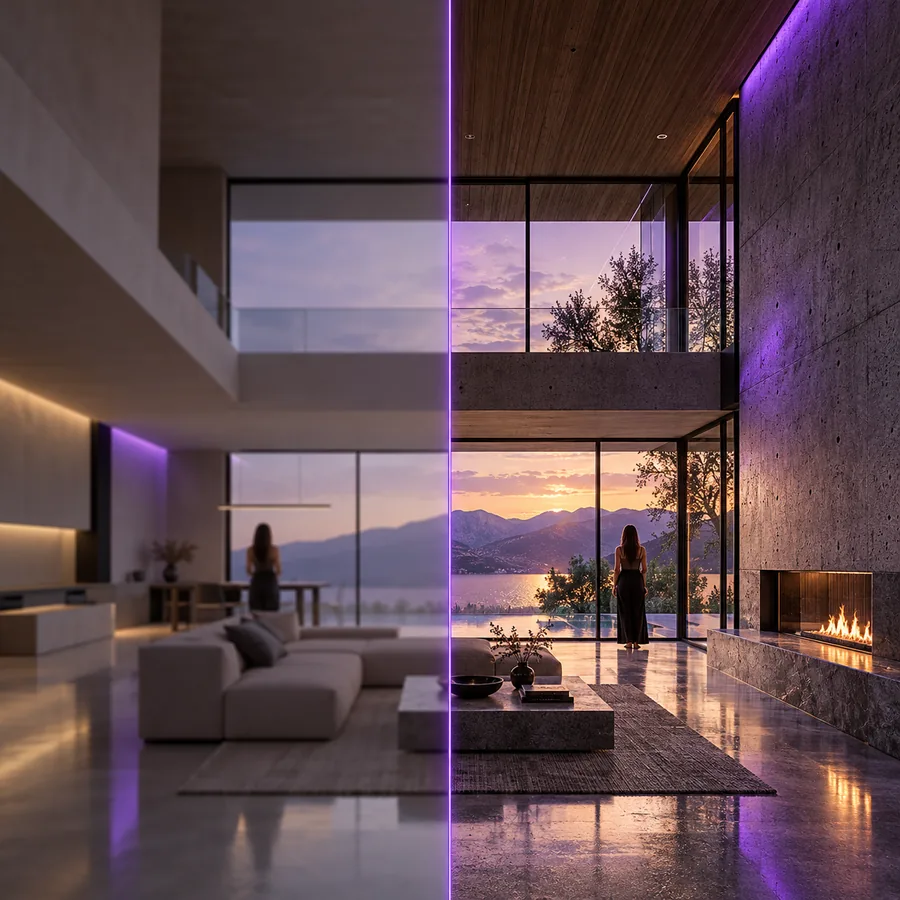
When there is no source image to preserve, generating a scene is a better starting point than upsampling. A creator can then decide whether a selected result needs edits or enlargement. Keeping those tasks separate makes it easier to identify which change helped.
Step 3
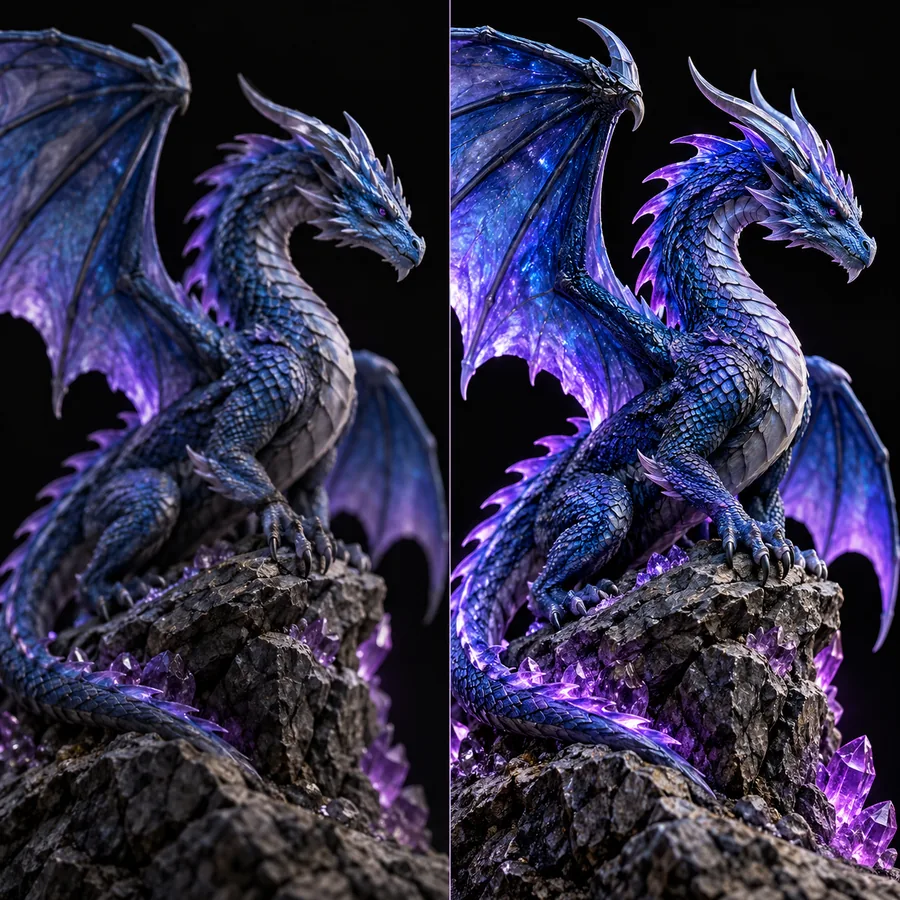
Archivists, researchers and people handling documents need particular caution. AI-estimated detail can be useful for viewing, but it is not evidence that faint text or obscured features were actually present. Keep an unmodified copy and consult the source for factual claims.
Decide whether your goal is to enlarge an existing picture, change its content or create a new scene. Then inspect the result against your original goal, especially wherever accuracy matters.
It can refer to an image created by AI or an existing image processed with AI. In the query what is upsampler ai image, the important follow-up is whether you mean generation, editing or upsampling; each produces a different kind of result.
No. Upsampling starts with a supplied image and estimates additional pixels for a larger version. Generation creates a new composition, although a workflow can use both methods in sequence.
It can produce details that look plausible, but it cannot reliably reveal information the source did not record clearly. Treat sharpened faces and reconstructed text as model predictions, not verified evidence.
Use an editor when you want to change content, such as removing an object or altering a background. Use upsampling when the main goal is a larger version that stays close to the existing composition.