Still to motion

Make an upsampler image to video concept from one still

An upsampler image to video workflow starts with a source picture and a clear idea of what should move. Use this guide to plan a short clip, then check which inputs and controls the destination actually supports.

Check supported inputs at the destination
Upsampler landing-page visual

What this variant is

Image-to-video planning adds a timeline and movement to a still-image brief. The paired frames below are a visual comparison, not a playable clip or a verified generation result.

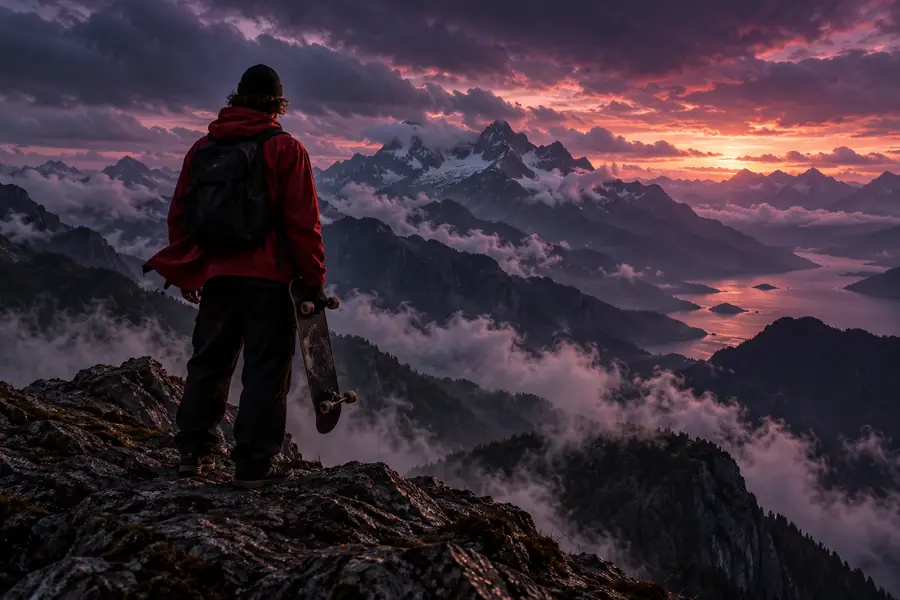
Skateboarder pictured against an open mountain background Skateboarder pictured in a snowy mountain scene

Starting still

Drag to compare two static compositions. A video would need intermediate frames and consistent motion; this slider does not demonstrate either.

Storyboard reference

Why move from a still to a clip

A clip can communicate direction, timing and a changing viewpoint that one frame cannot. Start by deciding which part of the scene must remain recognizable.

Illustrator

A finished character drawing needs a subtle reveal rather than a new design.

Specify one restrained movement, such as a camera push, and keep costume details fixed. For a different goal, upsampler image to 3d explores turning a picture into a spatial asset rather than a timed clip.


upsampler image to 3d

Product storyteller

A product still needs a short social-media concept.

Describe the camera path and identify the logo or packaging details that must stay legible. If the starting picture is missing, the AI image generator guide covers creating that source first.

AI image generator

Video creator

A mood-board frame needs to become a moving scene.

Choose whether the subject, camera or background should move before writing the brief. The AI video generator guide discusses access questions to check before attempting a clip.

AI video generator

The tool block

Treat these as planning requirements, not confirmed controls in a particular product. Check the destination before relying on an upload, duration setting or export option.

Starting still Intended video
Source One image with a readable subject A sequence based on that subject
Time No duration A beginning, progression and end
Camera One fixed viewpoint A described pan, push or stationary view
Subject One captured pose Movement that preserves recognizable features
Background Visible details in one frame Details that should remain stable across frames
Review Inspect composition and clarity Inspect continuity, unwanted changes and pacing

Spec table: example motion briefs

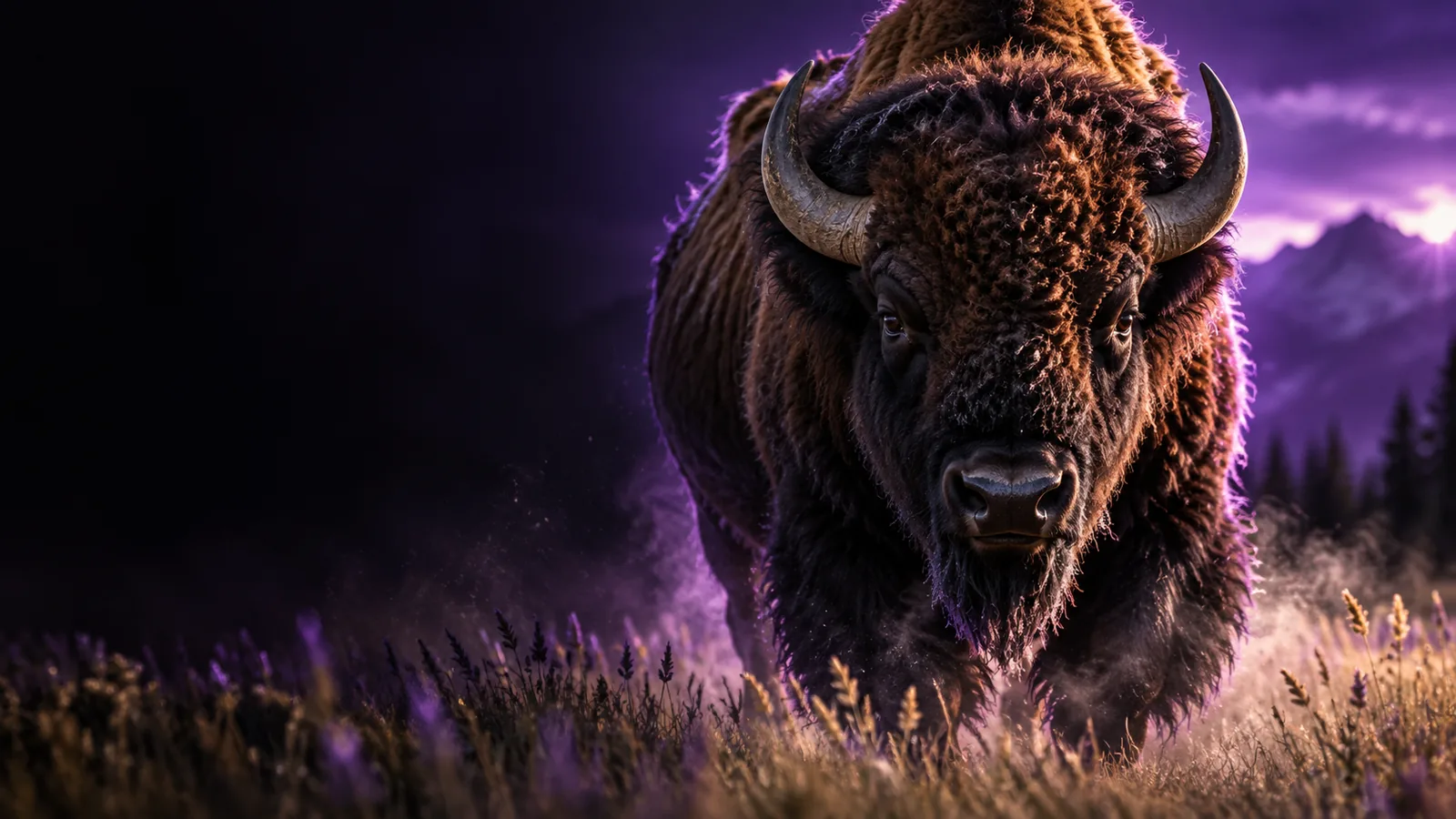
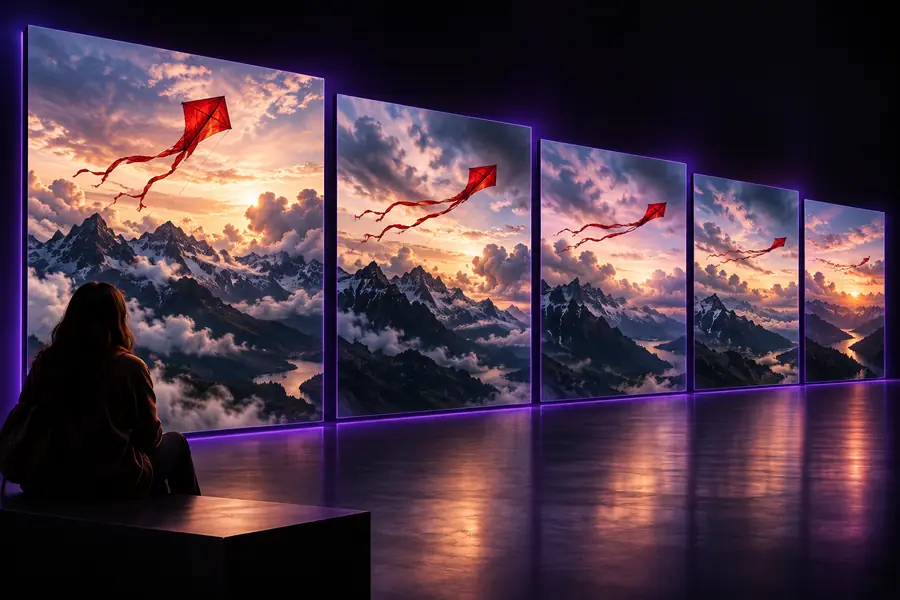
Each image is a landing-page example used as a possible starting reference. The captions are suggested image-to-video briefs, not claims that the pictured clip was generated.

  • First Upsampler landing example, shown as a possible source image Camera motion
    Keep the main subject in place while the camera moves forward slightly. Input: example still 01. Check: subject shape stays consistent.
  • Second Upsampler landing example, shown as a possible source image Scene motion
    Hold the framing steady and introduce only gentle environmental movement. Input: example still 02. Check: important background details remain intact.
  • Third Upsampler landing example, shown as a possible source image Subject motion
    Give the subject a small, deliberate action without changing its appearance. Input: example still 03. Check: features do not drift between frames.

Build a clear motion brief

  1. 1

    Choose the starting frame

    Pick a still with a distinct subject and enough surrounding space for the intended movement. Check whether the destination accepts image input before preparing an image-to-video attempt.

  2. 2

    Describe one main action

    State what moves, what stays fixed and how the camera behaves. A narrow instruction is easier to evaluate than several competing actions.

  3. 3

    Inspect the result

    If the destination offers video generation, review the entire clip for continuity and pacing. Revise the brief when objects change shape or the motion obscures the subject.

Where a still-image brief falls short

1

It cannot supply unseen views

One picture does not show what is behind a person or object. Large rotations may require the system to invent missing surfaces.

What to do instead

Request a modest camera move or prepare additional references if the destination supports them.

2

It cannot guarantee continuity

Small text, faces and intricate patterns may change from frame to frame in generated motion.

What to do instead

Keep critical details prominent in the source and inspect the full result, not just its first frame.

3

It cannot confirm product capabilities

A written image-to-video plan does not establish that a destination accepts uploads, provides particular controls or exports a given format.

What to do instead

Verify the available workflow and output options on the destination before committing to a project.

Take your motion brief to the tool

Bring a source image, a short motion instruction and a list of details that must not change. At the destination, confirm that its current tools support the image-to-video workflow you need.

Start with a still and a specific movement

  • Define the moving element
  • Name the details to preserve
  • Review the whole clip
Explore video creation

Image-to-video FAQ

It describes using a still image as the starting point for a moving-video concept. The still supplies visual reference; a separate motion instruction explains what should change over time. Check the destination to confirm which parts of that workflow it currently offers.

No. A single frame contains no reliable view of hidden surfaces, so a large camera rotation can introduce invented details. A restrained movement is often easier to judge against the source.

Name the subject, describe one principal action and say whether the camera should move. Add the features that must stay consistent, such as clothing, lettering or background objects. Avoid conflicting instructions about what should move and remain still.

Watch it from beginning to end rather than judging a preview frame. Check whether the subject remains recognizable, motion follows the brief and important details stay stable. If not, simplify the requested action and try a more constrained brief.

Start creating
Start creating