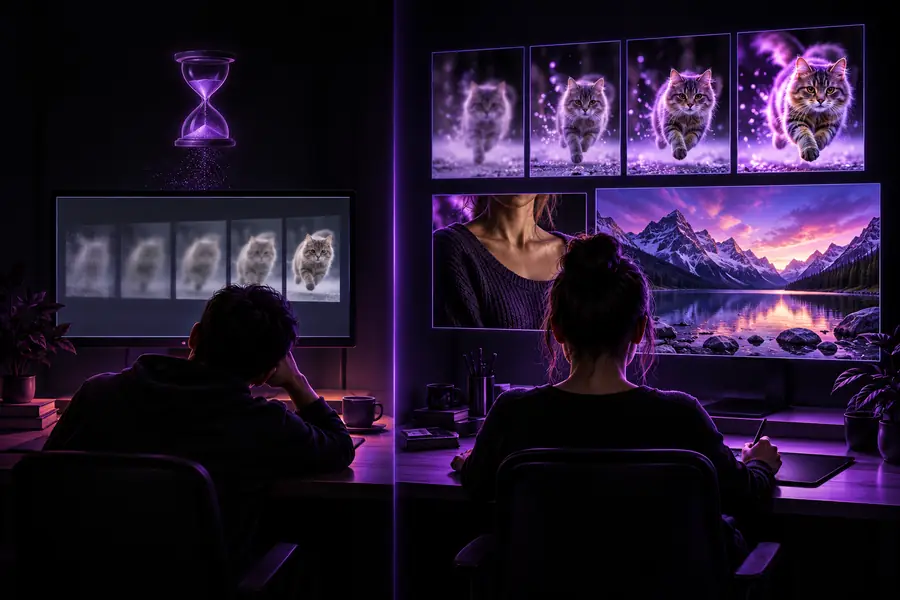
Image workflow comparison

How to Choose an Upsampler Alternative Free to Try

A free starting point is useful only if it fits your image and your expectations. Compare Upsampler with a manual editing workflow, then check the current terms of any hosted tool before uploading a file.

Upsampler site imagery showing an example of visual image detail

Verdict first: hosted tool or manual workflow?

Choose by the work you need to do, not by a free label alone. Check live access and export terms before committing a valuable image.

Upsampler or another hosted tool Manual editing on your device
Starting point Open the service and inspect its current upload, processing, and access terms. Open your original in an editor you already have or can access.
Creative control Depends on the controls the particular service currently exposes; inspect them before choosing. Adjust sharpening, noise, color, and selected regions separately.
Source-image handling Read the service's upload, retention, and deletion policies before sending sensitive material. A local workflow can leave the source on your device.
Repeatability Save the source and record any settings that the service makes available. Save an editable project or adjustment recipe alongside the source.
Free access Confirm current eligibility, limits, and export conditions on the service itself. Depends on the editor you choose; an existing editor may meet the need.
Best fit Worth testing when you want to assess a hosted result against the original. Useful when precise, reversible changes or local handling matter most.
Main uncertainty Features and access conditions can change without this comparison changing. The result depends on your editing choices and time.

Dimension by dimension: what changes?

A useful comparison separates access, control, and image handling instead of assuming that every free option solves the same problem.

Upsampler

Keep it in consideration if its current tools and export terms fit your source image and intended use.

Works well

  • Provides a hosted route to investigate without first building a manual editing recipe.
  • Can be compared directly with another approach using the same untouched source.
  • May suit a quick visual assessment if the result and available controls meet your needs.

Trade-offs

  • Do not assume free access includes the export you need; check the live terms.
  • Uploading a private image calls for a review of the service's data policies.
  • A preview alone does not establish how a saved result will look.
Manual local editing

Choose this route when control over individual changes and source-file handling outweigh convenience.

Works well

  • Keep the original intact while adjusting a copy.
  • Treat noise, edges, color, and problem areas independently.
  • Retain an editable record of the decisions you made.

Trade-offs

  • Finding a balanced result takes attention and practice.
  • Aggressive sharpening can create halos without restoring missing detail.
  • Your editor's capabilities and licensing still need checking.

Another hosted tool

Test it as a separate candidate rather than assuming that its free label means feature parity.

Works well

  • Offers another result to inspect against the same original.
  • Lets you evaluate a different interface or set of available controls.

Trade-offs

  • Access conditions, usage rights, and retention policies vary by provider.
  • Switching services does not by itself fix a poor-quality source.

Who each option suits

Start with your constraint. The right choice for a disposable test image may be wrong for a confidential client photograph.

or

Option 1

You have a non-sensitive image and want to compare visible results.

Test Upsampler alongside one other route.

Keep the original untouched, inspect the whole frame as well as fine edges, and confirm what each service permits you to save. A comparison is more useful than judging a polished preview in isolation.

or

Option 2

You need to protect a private, unreleased, or client-owned source.

Start with a local editor.

Keeping the file on your device avoids making an upload decision before you have reviewed a provider's retention and usage policies. If you later consider a hosted option, obtain the necessary permission first.

or

Option 3

Only one part of the image looks wrong.

Try a targeted manual correction before replacing the whole workflow.

A face, a line of text, or a noisy background can require different treatment. Applying the same adjustment everywhere may make the problem more conspicuous rather than less.

Migration path: compare the same image

Before leaving Upsampler, preserve your source and set a simple visual test. Change the workflow, not the test image.

Example frame before a visual enhancement pass Example frame after a visual enhancement pass

Before

Illustrative before-and-after imagery, not a measured Upsampler-versus-alternative result. For your own comparison, retain the original, process a copy through each route, then inspect edges, faces, text, texture, and the saved files at the same viewing size. Check export terms before uploading or switching.

After

If you are still looking for an upsampler alternative free to evaluate, explore Upsampler's linked destination as a separate option. Check its current capabilities, access conditions, image policies, and export terms there; this comparison does not establish what it offers.

Explore another image workflow

  • Keep your original image.
  • Check live access and export terms.
  • Compare saved results at the same viewing size.
Explore image tools

Comparison FAQ

A manual workflow may be an option if you already have access to a suitable editor, and other hosted tools may offer a way to test them. Free access is not the same as unrestricted use, so check the current limits, export conditions, and licensing of each option before relying on it.

Not necessarily. A manual editor gives you control over individual adjustments, but the result depends on the source image, the editor, and your choices. Compare saved outputs from the same original rather than assuming the two workflows are interchangeable.

Read the provider's current privacy, retention, deletion, and usage terms. For private or client-owned work, confirm that you have permission to upload it; a local workflow may be more appropriate if you cannot establish that.

Use an untouched copy of the same source for each test and compare the files you can actually save. Inspect fine edges, text, faces, texture, and artifacts at the same viewing size, then decide whether the improvement serves your intended use.

Do not count on any tool to reconstruct an exact record of detail that was never captured. Enhancement can change how an image appears, but an attractive result should still be checked for invented texture, distorted text, and altered facial features.

Start creating
Start creating